Artwork Tracker v2.0 update now available for iPhone, iPad and iPod touch

The Artwork Tracker v2.0 update is now available on the App Store for iPhone, iPad and iPod touch.

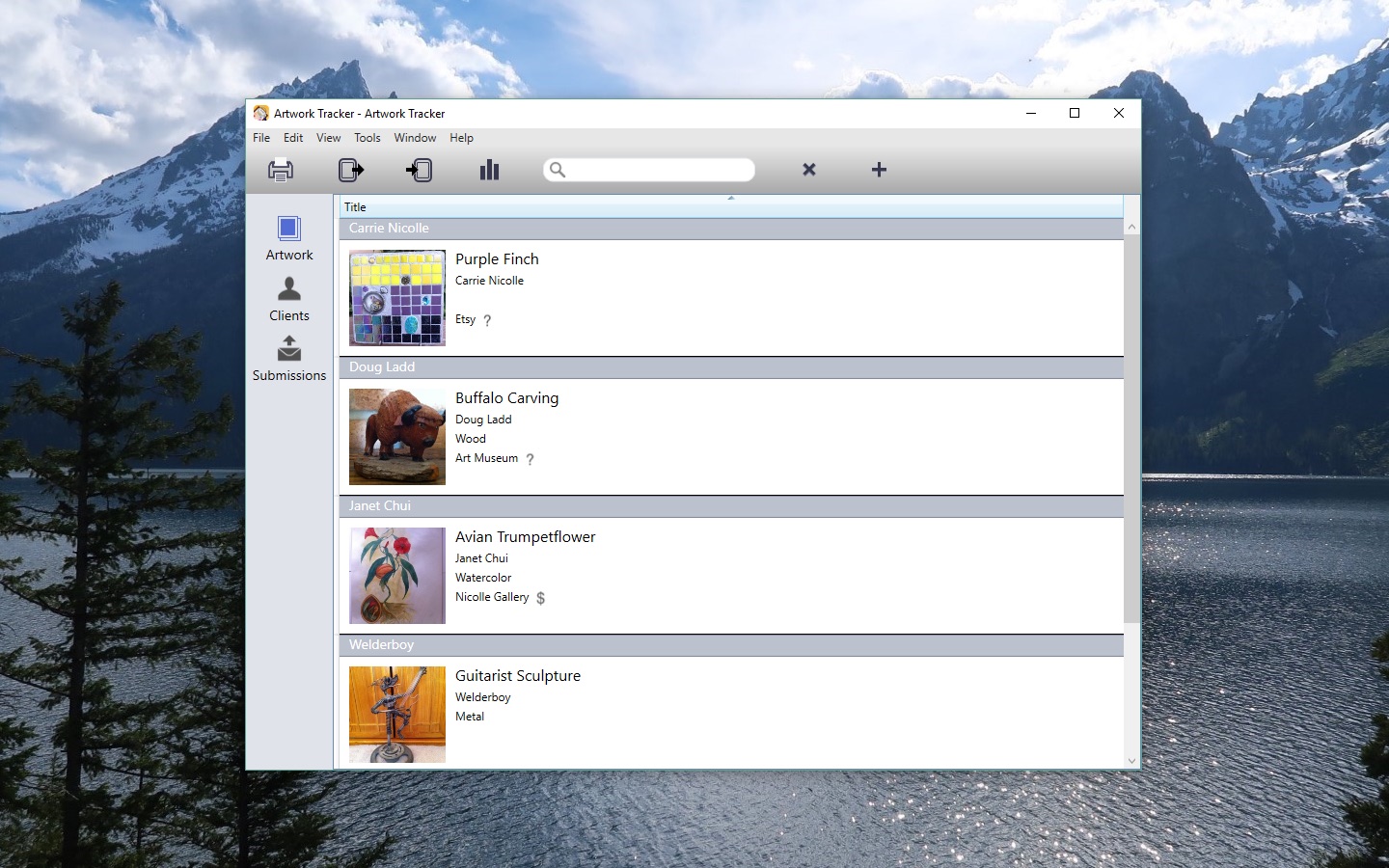
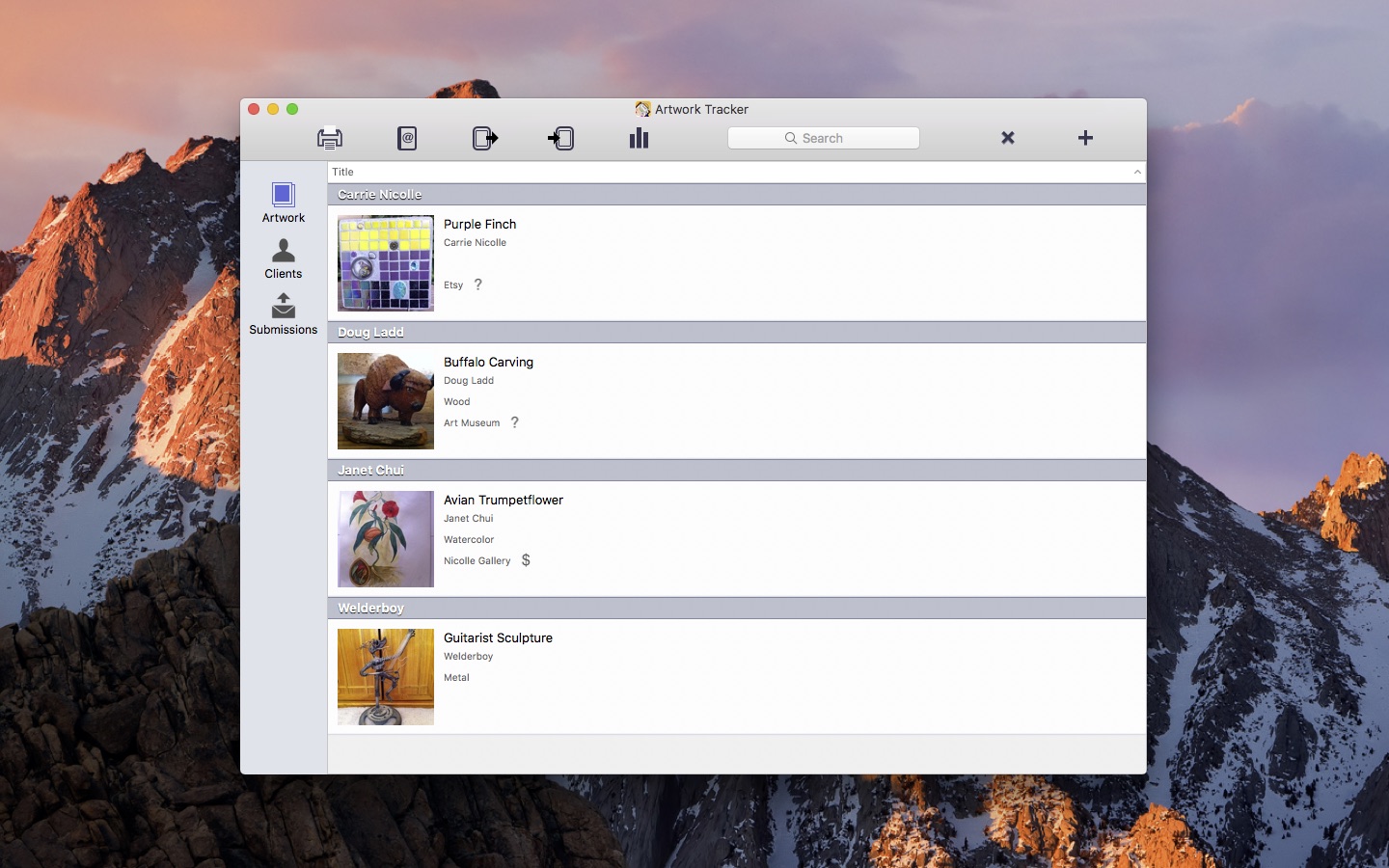
Artwork Tracker is an indispensable mobile app for artists, art collectors, or art dealers. Keep track of artwork and submissions on the go, with access to all your data and full-screen artwork at your fingertips.

Artwork Tracker

This update contains the following changes:

  • Upgraded the database to remove the 2 photo per Artwork limitation. The only limit is the space available on your device (or 5 photos with the Lite version). The app may take much longer to launch the first time following the update, especially if you have a large database
  • The Artwork Report now allows more than 2 photos per Artwork
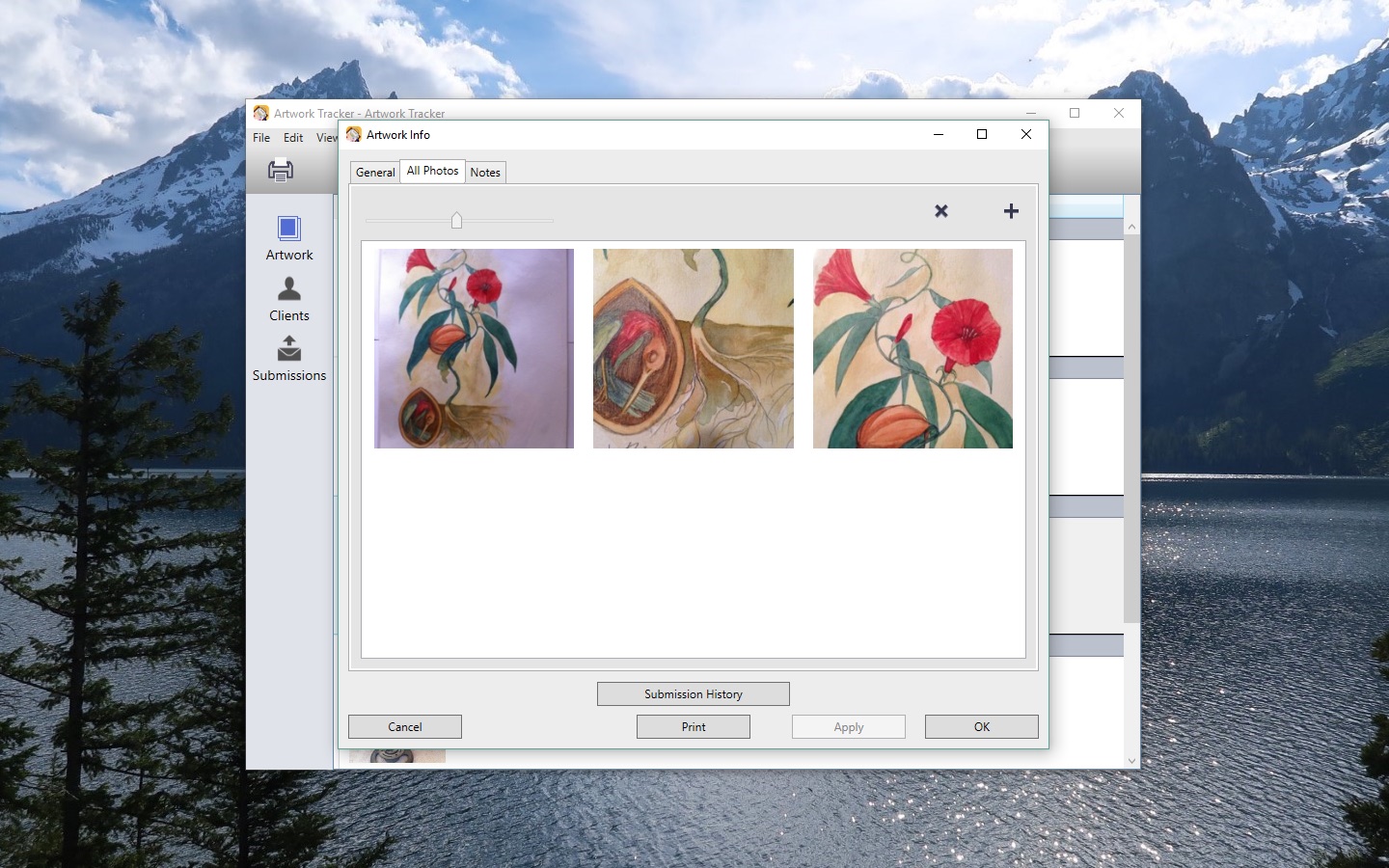
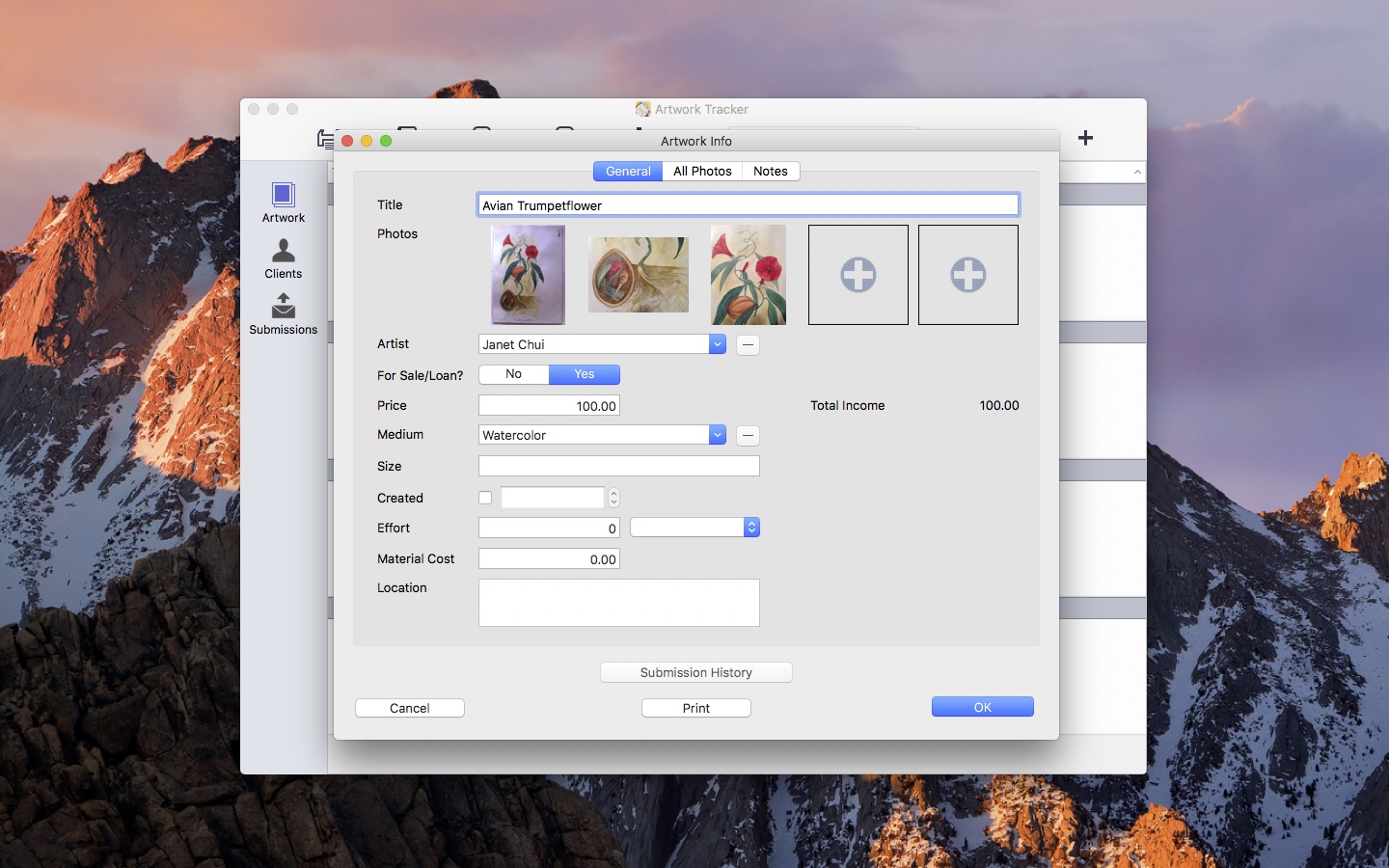
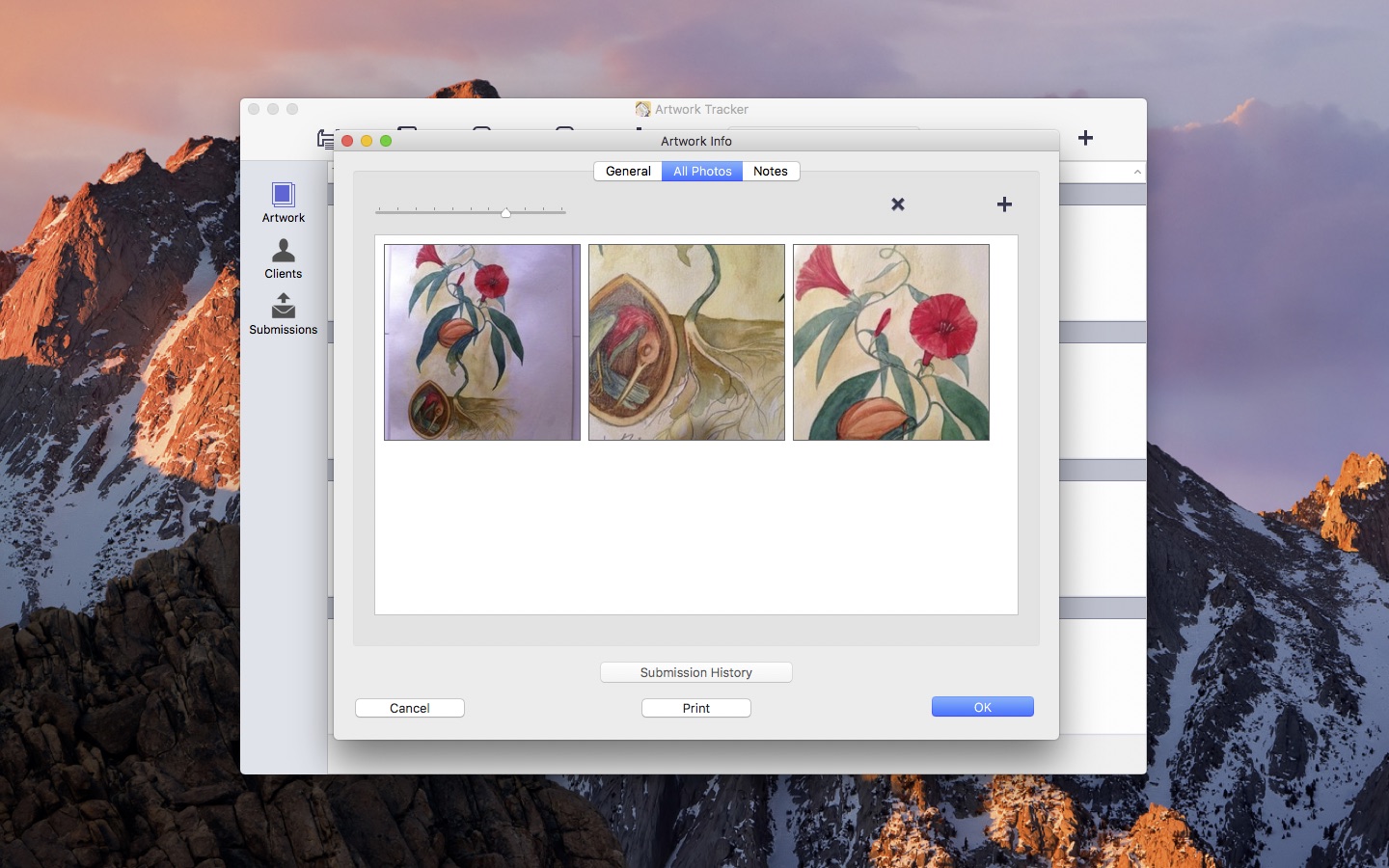
  • Added a photo grid screen accessible from the Photos button on the Artwork Info screen. This shows all photos associated with a particular Artwork
  • Photos can now be rearranged. In the photo grid view for any Artwork, long press (not tap) the photo and drag it to the new position
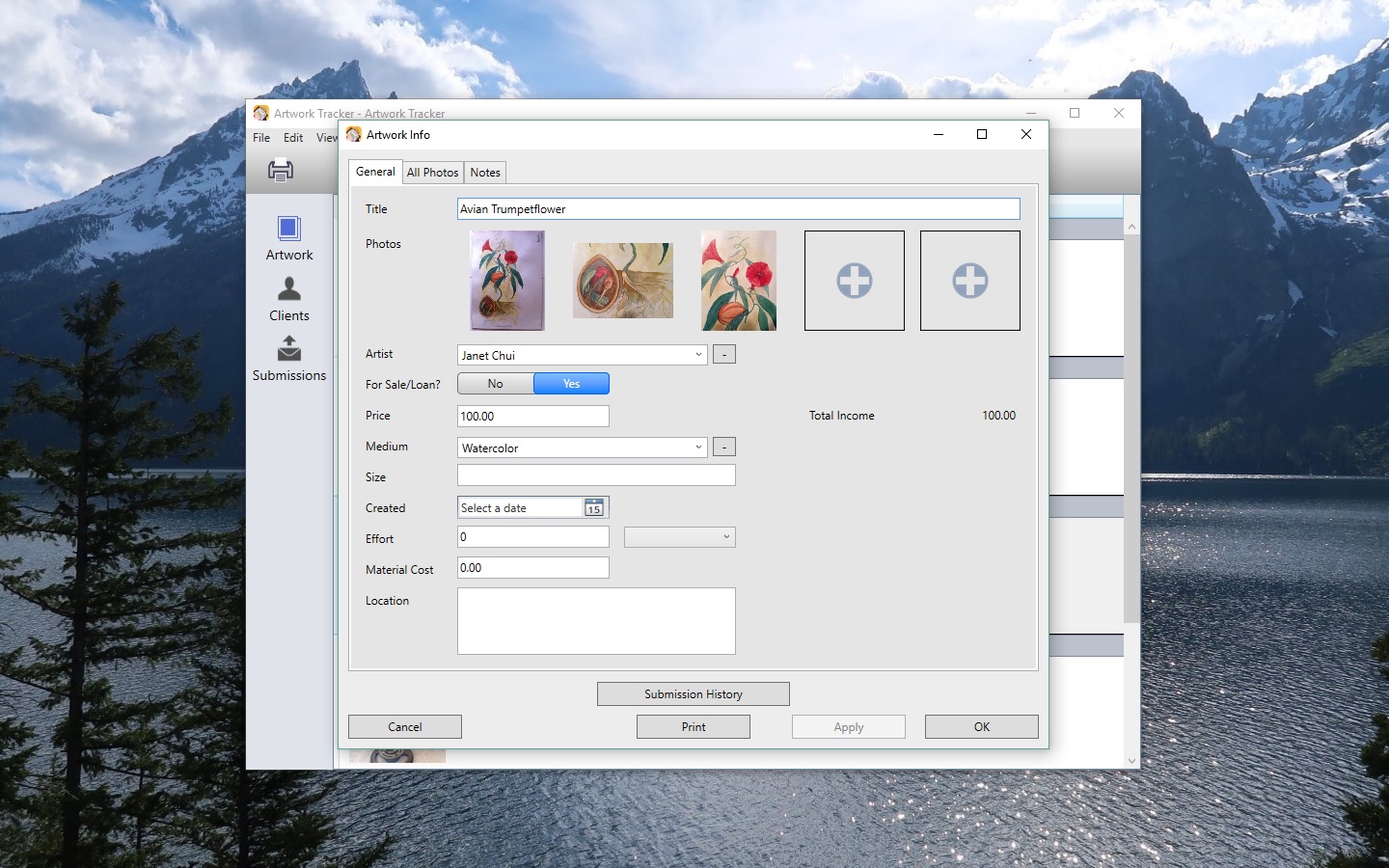
  • The Artwork Info screen now has 5 main photo slots on iPad. To view the complete set of photos for any Artwork, tap the Photos button on the Artwork Info screen
  • The main photo slots reflect the order on the Artwork Info Photos screen
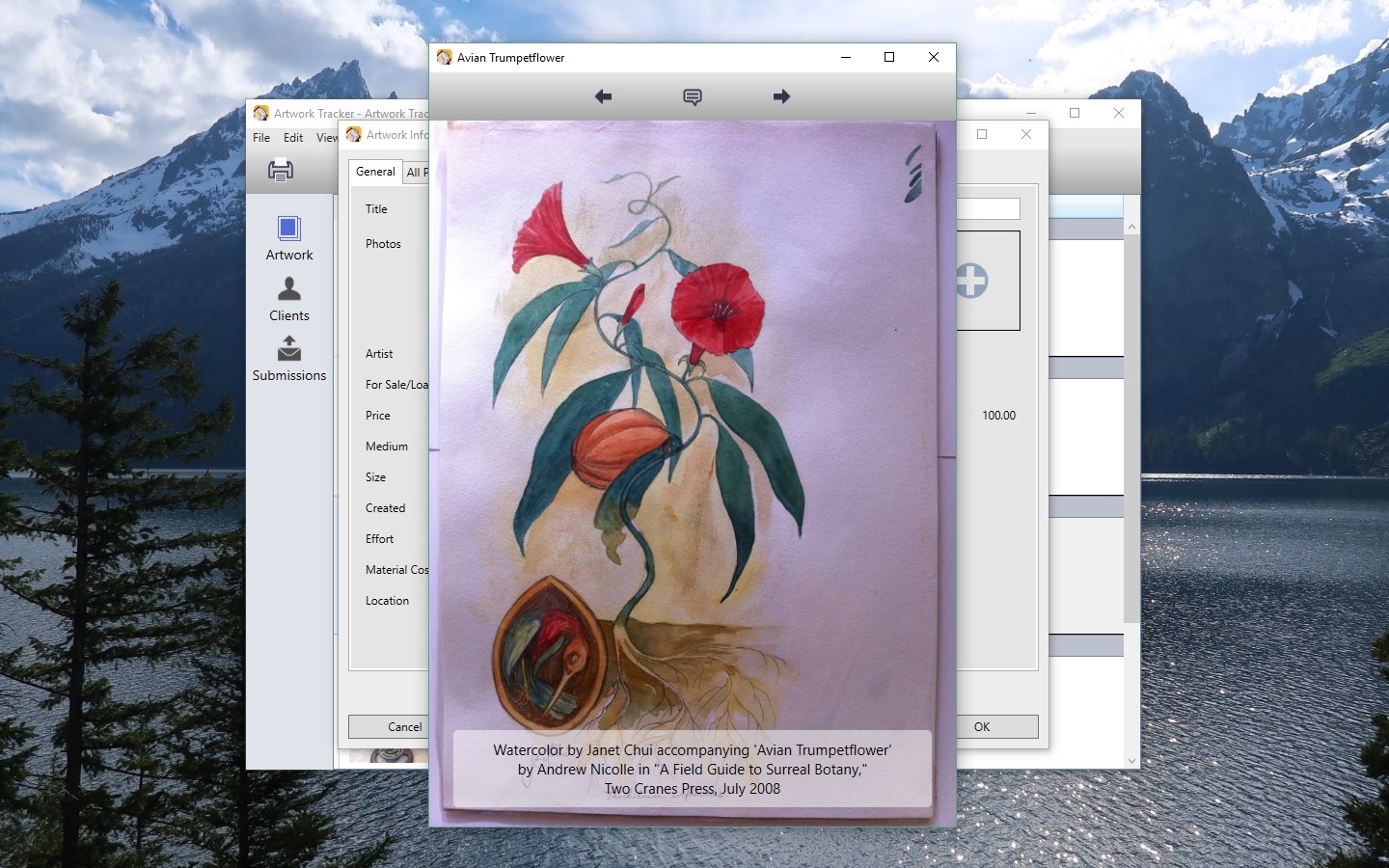
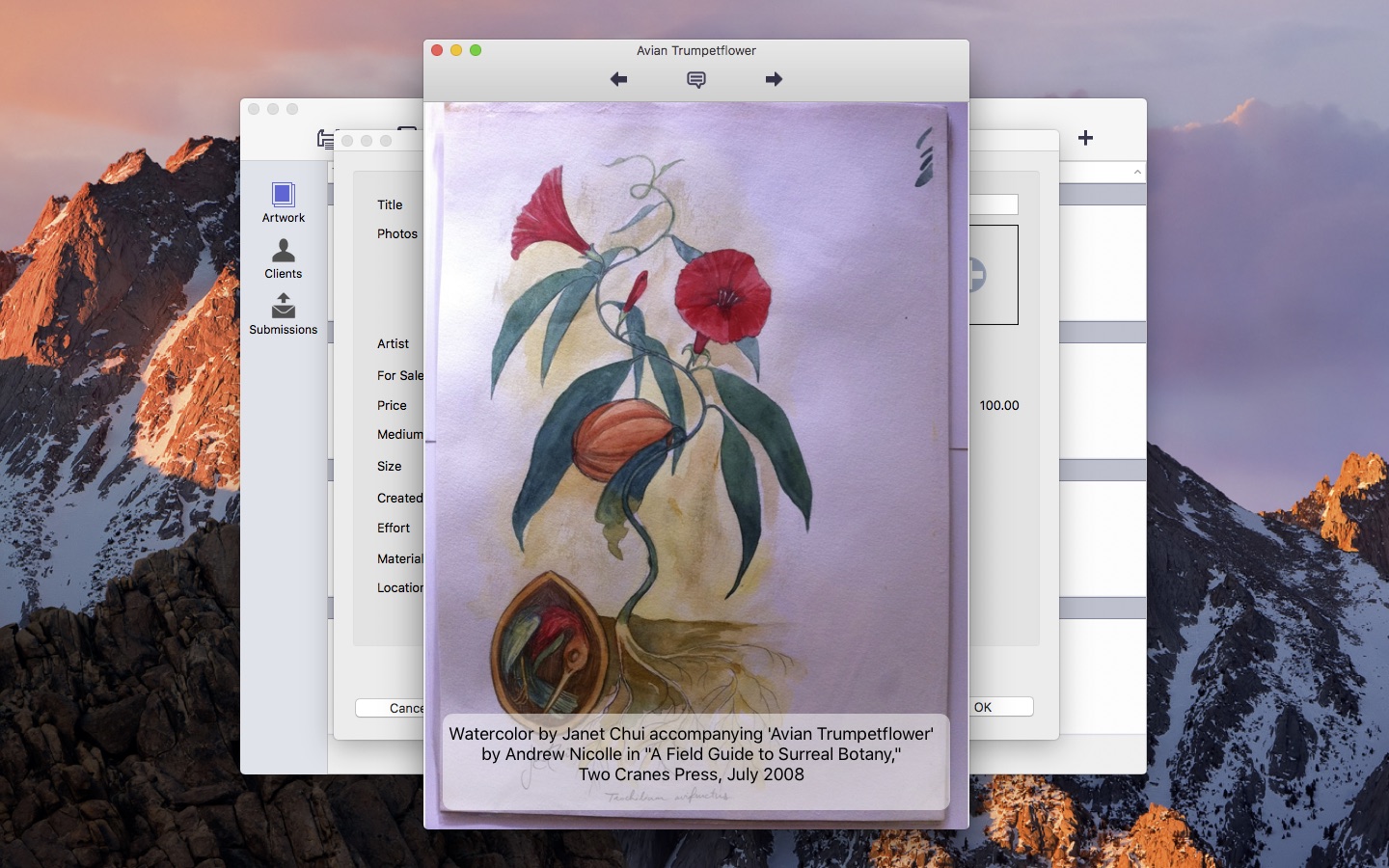
  • Added support for text captions for each photo. These can be edited by tapping the speech balloon icon when viewing photos full-screen
  • Added a search bar on the Artwork, Clients, and Submissions lists
  • Updated the CSV template to remove the photo index fields for Artworks (these fields are now unsupported)
  • Improved Bluetooth keyboard support
  • Bug fixes
  • The database can now be transferred directly from Artwork Tracker Lite to the full version. Use the “Export to Full App” button on the Tools screen
  • Renamed the Artwork Tracker DB format to ADBI and added ADBI file-type association
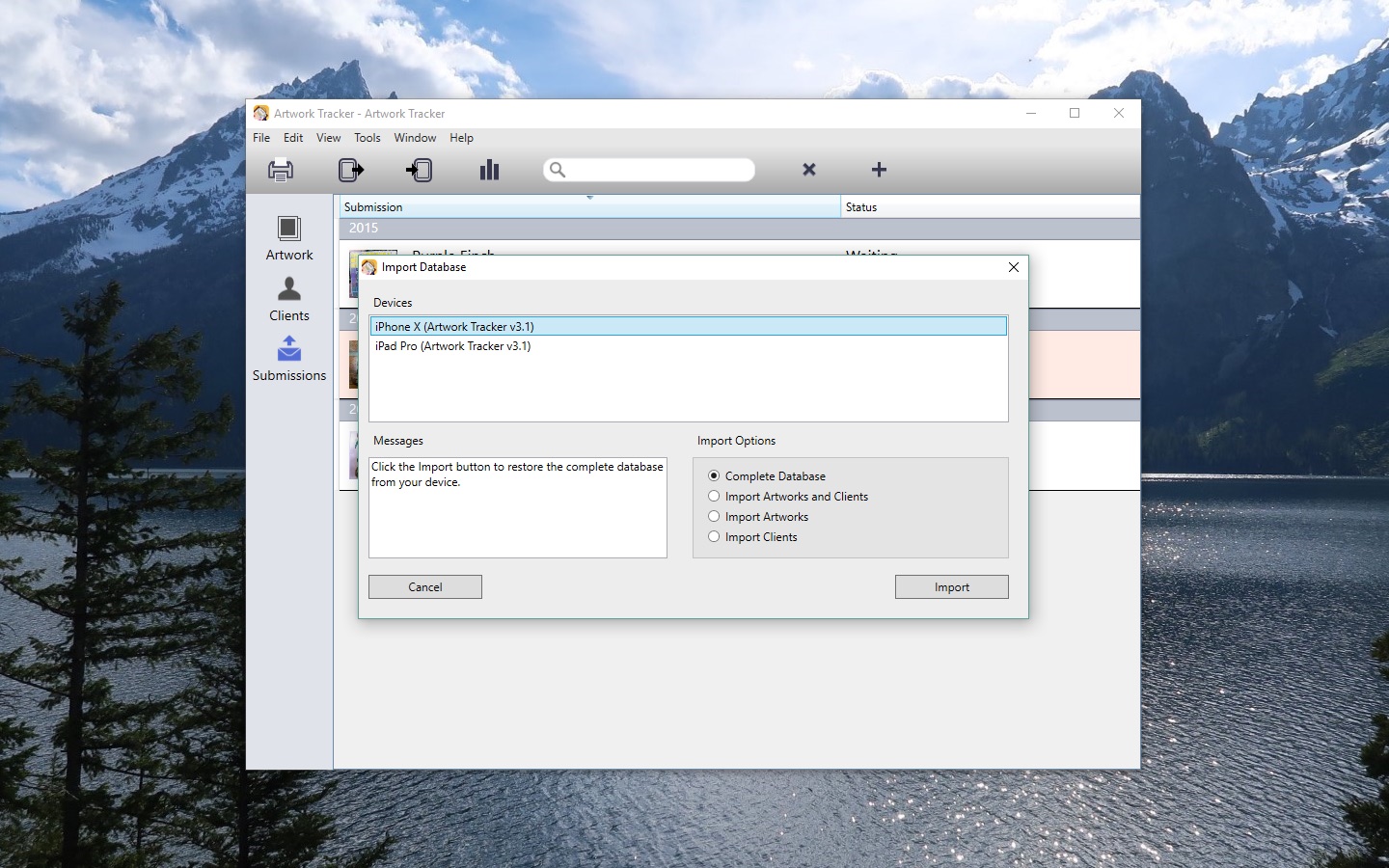
  • Transfer the complete database between devices (iPad / iPhone / iPod) over WiFi via Artwork Tracker ADBI-format support:
    1. Select Backup Database on the first device.
    2. Enter the address into the web browser on the second device.
    3. Tap the “artworktracker.adbi” link and wait for the file to download.
    4. Tap the Open in “ArtworkTrack” button.
    5. Artwork Tracker will load. Tap Restore to transfer the complete database.

If you’re enjoying the app, please take a moment to rate or review it on the App Store!

You can learn more about Artwork Tracker at my website or on the Artwork Tracker Facebook group.

Tags: , , , ,

Story Tracker v2.6 update now available for iPhone, iPad and iPod touch

Story Tracker v2.6 is now available on the App Store for iPhone, iPad and iPod touch.

Story Tracker

This update contains the following changes:

  • Added search bar feature on the Stories, Markets, and Submissions lists
  • Improved Bluetooth keyboard support
  • Added “character” pay rate unit for Markets

If you like what you see, please spare a moment to rate or review the app on the App Store!

You can learn more about Story Tracker at my website or on the Story Tracker Facebook group.

Tags: , , ,

Announcing Artwork Tracker for Mac

Artwork Tracker for Mac

In late 2010 I released Artwork Tracker for iPhone, iPad, and iPod touch. As the name suggests, Artwork Tracker is a mobile artwork tracking app, specifically designed for artists, art collectors, and art dealers. Ever since it was released I’ve had people wondering when it might be coming to other platforms. I’ve always said a Mac version was a possibility, but until recently I hadn’t worked on any Mac apps.

Over the last year I’ve released two Mac apps: Story Tracker and Bonsai Album. I’m pleased with how they turned out, so lately I’ve been giving some serious thought to bringing Artwork Tracker to the Mac.

Well, today I’ve decided to commence working on Artwork Tracker for Mac! I’m planning to bring it to the Mac App Store and will also offer it for direct purchase via my website. I don’t have a firm release date planned just yet, but I’m tentatively aiming for release later in 2013.

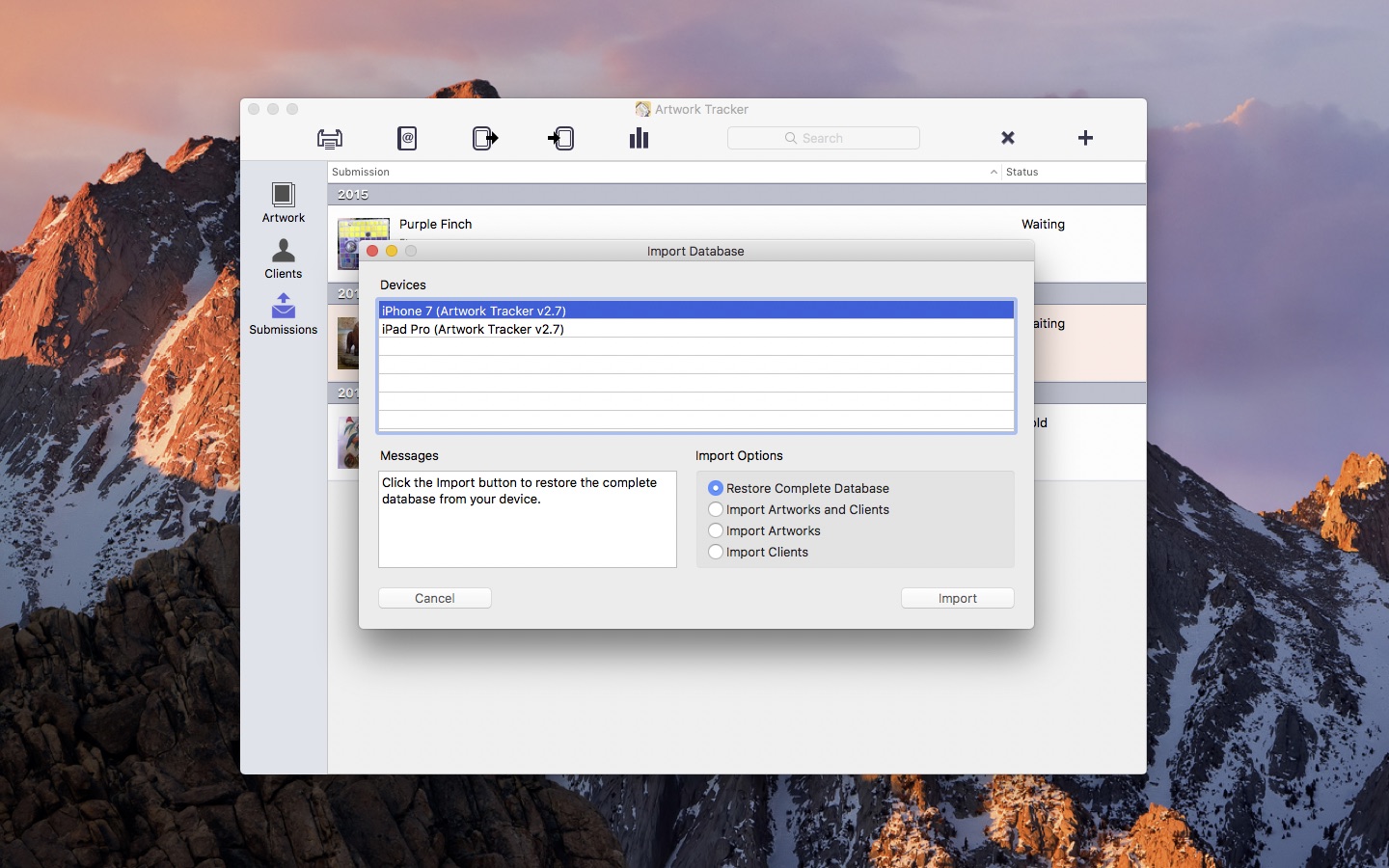
The Mac version of Artwork Tracker will contain many of the same features of the iOS app, with the addition of photo organization, enhanced search, and printing capabilities. It will also include support for Mac Retina displays, and you’ll be able to transfer data to and from the iOS version. While I don’t yet have any screenshots available, you can get a pretty good idea of how it’ll look by the Bonsai Album for Mac screenshots.

If you’re interested in learning more about Artwork Tracker for Mac, visit the Artwork Tracker Facebook page or sign up here to be notified via email when the app launches. I’m keen to get started on Artwork Tracker for Mac, and I look forward to providing more information closer to launch!

Tags: , , , , , , ,

Bonsai Album for Mac v1.0.2 update now available

Bonsai Album for Mac

Bonsai Album makes keeping track of your bonsai or penjing collection easy, whether you’re new to bonsai, a collector, a dealer, or even a bonsai master.

The Bonsai Album for Mac v1.0.2 update is now available on the Mac App Store.

This update contains the following changes (Mac App Store only):

  • Fixed data loss bug when the default Untitled database is used (this issue was not present in the direct-sale version).

If you’re enjoying the app, please take a moment to rate or review it on the Mac App Store!

You can learn more about Bonsai Album at my website or on the Bonsai Album Facebook group.

Story Tracker for Mac v1.1.1 update now available

Story Tracker for Mac

Story Tracker makes keeping track of your submitted stories, novels, poems, scripts, and articles easy. Never wonder again where or when you submitted your work. The information is all right there on your Mac!

The Story Tracker v1.1.1 update is now available on the Mac App Store.

This update contains the following changes (Mac App Store only):

  • Fixed data loss bug when the default Untitled database is used (this issue was not present in the direct-sale version).

If you’re enjoying the app, please take a moment to rate or review it on the Mac App Store!

You can learn more about Story Tracker at my website or on the Story Tracker Facebook group.

Story Tracker for Mac v1.1 update now available

Story Tracker for Mac

Story Tracker makes keeping track of your submitted stories, novels, poems, scripts, and articles easy. Never wonder again where or when you submitted your work. The information is all right there on your Mac!

The Story Tracker v1.1 update is now available on the Mac App Store.

For direct purchase customers, click ‘Check for Updates…’ in the Story Tracker menu within the app and follow the prompts to update.

This update contains the following changes:

  • Added section headers for the Story and Market screens when sorting by Genre, and for years on the Submissions screen.
  • Implemented SDBI (Story Tracker iOS database) import and export.
  • Implemented multiple selection and deletion of list entries.
  • Deletion alert is now displayed even if the Story or Market doesn’t have corresponding Submissions.
  • Added prompt to confirm deletion of submissions.
  • Customized toolbars are now automatically saved.
  • Window frame and position is now auto-saved for every database.
  • Updated format of number fields in printed output to match Story, Market, and Submission Info windows.
  • Enabled thousands separators for all number fields.
  • Dates in printed output now match the date format shown on-screen.
  • Empty date fields are now left blank rather than showing today’s date greyed-out.
  • Tables now scroll to the first row when changing column sort order.
  • Wood texture on the side of windows now resizes properly on Mountain Lion.
  • Fixed bug where devices would remain in the import or export device list even after the mobile app disconnected.
  • Fixed bug where the database export progress bar would remain on-screen even after a transfer error occurred.
  • Fixed CSV export truncation bug for languages other than English.
  • Fixed CSV import bug where multi-line fields weren’t being handled properly.
  • Fixed visual artifacts that would sometimes appear on the edge of table rows.
  • Fixed Submission History table refresh bug.
  • Fixed scaling bug on the Statistics window.

If you’re enjoying the app, please take a moment to rate or review it on the Mac App Store!

You can learn more about Story Tracker at my website or on the Story Tracker Facebook group.

The Strange Tale of Samuel Winchester

The Lovecraftian horror tale I wrote with Samantha Henderson, The Strange Tale of Samuel Winchester, is now online in the April 2013 issue (#23) of The Lovecraft eZine.

In addition to the free online issue on the website, it’s also available for purchase for Kindle and Nook, as well as a podcast. I’m particularly pleased with the fantastic narration in the podcast. It’s well worth a listen.

Our story is also accompanied by a great illustration by Lee Copeland.

I hope you enjoy our curious blend of Egyptian mythology, Australian history, and the macabre!

Tags: , , , ,

Bonsai Album for Mac v1.0.1 update now available

Bonsai Album for Mac

Bonsai Album makes keeping track of your bonsai or penjing collection easy, whether you’re new to bonsai, a collector, a dealer, or even a bonsai master.

The Bonsai Album for Mac v1.0.1 update is now available on the Mac App Store.

For direct purchase customers, click ‘Check for Updates…’ in the Bonsai Album menu within the app and follow the prompts to update.

This update contains bug fixes. If you’re enjoying the app, please take a moment to rate or review it on the Mac App Store!

You can learn more about Bonsai Album at my website or on the Bonsai Album Facebook group.

Bonsai Album now available on the Mac App Store

Bonsai Album for Mac

Bonsai Album for Mac is now available on the Mac App Store. Bonsai Album makes keeping track of your bonsai or penjing collection easy. Track development of your trees throughout their lives, on your Mac!

Download on the Mac App Store

Bonsai Album for Mac brings the features of the iOS app to the Mac platform, with some nice new additions including photo organization, enhanced search, and printing capabilities. If you’ve got a Mac with Retina display, you’ll also enjoy how Bonsai Album looks in high-resolution. Like the iOS version, the Mac app provides support for multiple languages including English, Japanese, French, Italian, German, Spanish, and Portuguese.

To run Bonsai Album, you’ll need a Mac with either Snow Leopard (OS X 10.6.6), Lion (OS X 10.7.x), or Mountain Lion (OS X 10.8.x).

A free trial version is available for download from my site. The trial version is limited to 3 bonsai, 3 pots, and 3 logs, with 3 photos each. In trial mode you can only have a single database window open at a time, and database import is disabled.

If you’d prefer to purchase direct from the developer rather than the Mac App Store, you may purchase a license either within the trial version of the app or via the Web Store. This unlocks the complete functionality, equivalent to the Mac App Store version. It also includes an updating mechanism, so you’ll get early access to new features and bug fixes.

You can find more details including screenshots and the full list of features here.

I’d like to thank all the fantastic Beta testers who helped refine the app into its final form. The feedback I received was excellent, and it really helped improve the app and allowed me to identify some issues I might’ve missed.

I hope bonsai fans around the world find Bonsai Album a useful and enjoyable app, and I welcome any feature suggestions or comments you may have. And if you can spare a moment, please review the app on the Mac App Store and let others know what you think.

Have fun tracking your trees!

Announcing Bonsai Album for PC

Bonsai Album for PC

Ever since I announced Bonsai Album for Mac, I’ve had requests for a Windows PC version. My focus has been exclusively on developing apps for iOS and Mac, so a PC port seemed to be unlikely anytime soon. Only after the release of the Mac version did I begin to ponder the possibility further.

Well, today I’m announcing my plans for a Window PC version of Bonsai Album!

A Windows port of a Mac app is a non-trivial exercise, especially if your Mac app is a native app written in Objective-C like Bonsai Album. Bringing Bonsai Album to the PC will involve a complete rewrite of the app, so it’s not going to be as quick and easy as you might think. There are also a number of logistical challenges involved in direct app sales. That said, as I outlined in my post on the Story Tracker PC port, I think I’ve got a good enough handle on all the major issues to begin development.

You might wonder if there’s even enough of a market for a PC version of Bonsai Album. I’m hoping there is, considering the huge investment involved in developing the app! While Macs are currently experiencing a surge in growth, the Windows PC market remains relatively flat overall. However, the installed base of PCs is still huge, and I imagine there are more than a few bonsai fans out there who’d love to see such an app.

If you’re interested in learning more about Bonsai Album for PC as development progresses, visit the Bonsai Album Facebook page or sign up here to be notified via email closer to app launch.